
March 9, 2026 · 11 min read
Inside Claude's Agent Loop: How It Works and Why It's Built That Way
A technical breakdown of Claude's agent loop: the execution cycle, context management, tool design, and safety controls that make single-thread agents reliable in production.

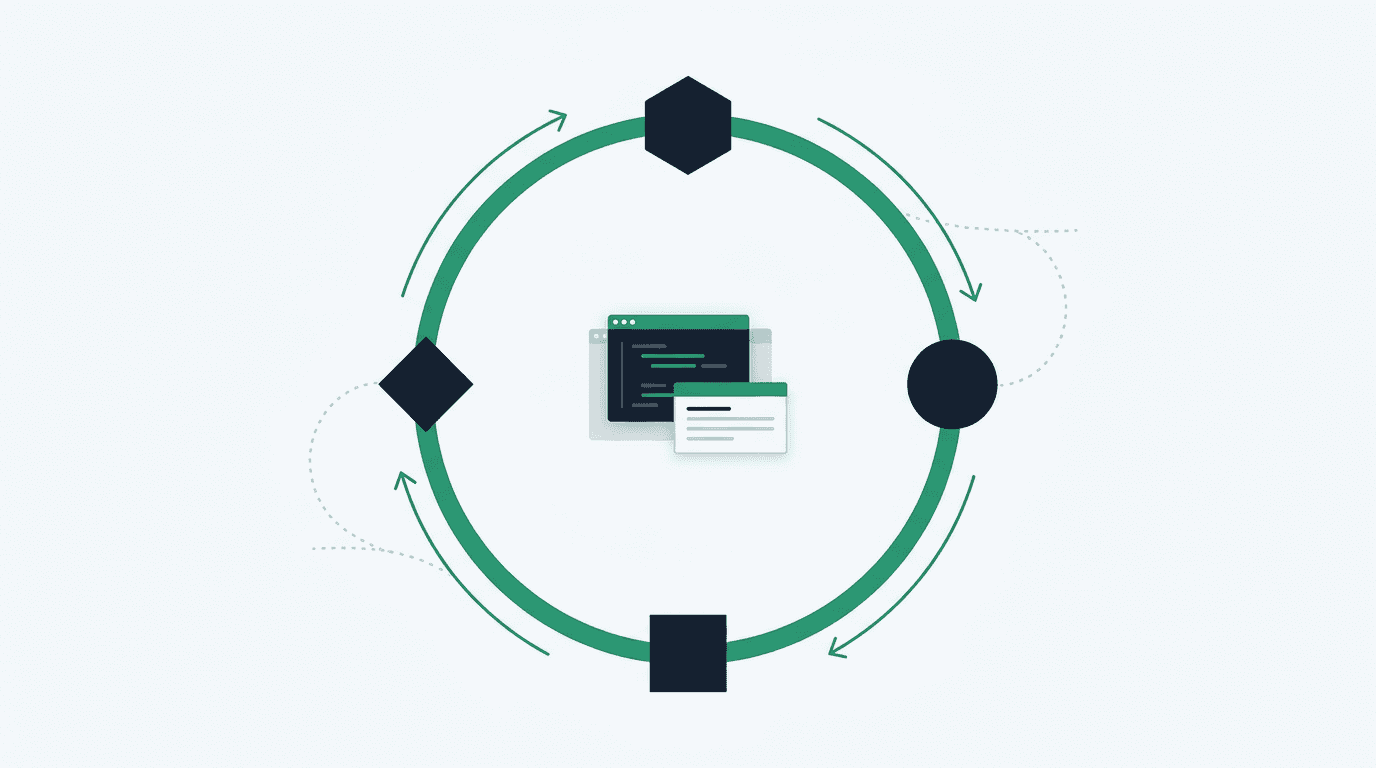
Claude's agent loop is a single model calling tools in a loop until the task is done. There isn't a separate planning model or agent-to-agent messaging layer on top; the SDK still handles the loop, context, and retries. That constraint is the entire point.
Most teams reach for multi-agent architectures because they seem more powerful. And sometimes they are. But Anthropic's own research on building effective agents found that the most reliable implementations weren't using complex coordination layers. They were building with simple, composable patterns and spending time on tool design instead.
Understanding the internals of Claude's loop tells you why that's true, and it tells you exactly where to invest your effort when building on top of it.
What the Agent Loop Is
At its core, the loop is this: Claude receives a prompt and tool definitions, evaluates what to do, optionally calls tools, gets results back, and repeats until it produces a response with no tool calls. The same execution loop powers Claude Code.
There's no separate planning model or external message-passing graph. One context window, one model, accumulating state turn by turn, with the SDK handling the orchestration around it. That simplicity is a deliberate design choice, and it makes the system debuggable. When something goes wrong, you're tracing a linear sequence of tool calls, not debugging a distributed coordination layer.
How the Execution Cycle Actually Works
The SDK documentation describes the cycle in four steps. Here's what's actually happening at each one:
Step 1: Receive prompt. Claude gets the initial prompt, system prompt, all tool definitions, and the full conversation history from previous turns. Tool definitions are injected into every request as structured JSON schemas. A large tool set, or many MCP servers, consumes meaningful context before Claude writes a single token.
Step 2: Evaluate and respond. Claude determines its next action. This might be returning text, requesting one or more tool calls, or both. When requesting multiple tool calls, they execute in parallel if the tools support it. The model doesn't "plan" a sequence ahead of time and then execute it. Each turn is a fresh evaluation given what's accumulated so far.
Step 3: Execute tools. The SDK runs each requested tool and collects results. File reads, shell commands, web fetches, custom integrations: whatever's in scope. Results get appended to the conversation as tool_result messages, becoming the input for the next evaluation step.
Step 4: Repeat. Steps 2 and 3 cycle until the response contains no tool calls. A simple query might resolve in one turn. A complex codebase refactor can chain through dozens, with Claude adjusting its approach based on each intermediate result.
What makes this interesting is the role of tool results as a feedback mechanism. Claude navigates based on what it discovers rather than executing a fixed plan, so a file read that reveals unexpected structure changes what it does next. The "intelligent" behaviour comes from this reactive loop, not from the model maintaining some separate internal task representation.
The context window accumulates across every turn. Each tool result, response, and tool call gets added. For long-running tasks (30+ turns), this becomes the primary constraint you're designing around.
The Four Phases Within the Loop
Within any given agent run, Claude works through four overlapping phases. You won't see these in the SDK's type definitions, but they're a useful mental model for prompt and tool design.
Gather. Claude uses Read, Glob, Grep, and Bash to understand current state. The filesystem is effectively a form of external context; Claude uses search commands to load relevant portions rather than reading everything. This is where a good CLAUDE.md or system prompt pays off. If Claude already knows your project's conventions, it spends fewer turns on exploration.
Act. Claude executes the actual work using available tools: editing files, running commands, calling APIs. As Anthropic puts it, "tools are the primary building blocks of execution for your agent." The model's reasoning is only as good as the tools it has access to.
Verify. Claude evaluates its own output. For code changes, this means running tests or linting. For data tasks, validating output format against expected schema. The verify phase is where max_turns matters: if Claude doesn't have enough turns to check its work, you'll get confident-sounding but wrong output.
Iterate. Based on verification results, Claude either completes the task or cycles back to gather and act again. This is what distinguishes an agent from a one-shot prompt: the ability to recover from partial failures without human intervention.
Building a Code Review Agent
Here's a practical example showing the cycle in action: an agent that reviews pull requests for security vulnerabilities and performance issues.
import asyncio
from claude_agent_sdk import query, ClaudeAgentOptions, ResultMessage

async def review_pull_request(diff_content: str) -> str:
    """Review a PR diff for common issues."""
    result_text = ""

    async for message in query(
        prompt=f"""Review this pull request diff for:
        - Security vulnerabilities (SQL injection, XSS, auth issues)
        - Performance problems (N+1 queries, missing indexes)
        - Code style violations

        Diff:
        {diff_content}

        Provide specific line references and suggested fixes.""",
        options=ClaudeAgentOptions(
            allowed_tools=["Read", "Grep", "Glob"],  # highlight-line
            max_turns=10,
            max_budget_usd=0.50,  # highlight-line
            effort="high",
        ),
    ):
        if isinstance(message, ResultMessage):
            if message.subtype == "success":
                result_text = message.result
            elif message.subtype == "error_max_budget_usd":
                result_text = "Review exceeded budget limit."

    return result_text

if __name__ == "__main__":
    diff = open("pr.diff").read()
    print(asyncio.run(review_pull_request(diff)))
The tool restrictions matter here. Read, Grep, and Glob are read-only; the agent can analyse anything but can't change files. Listing tools in allowed_tools auto-approves them, so the agent runs unattended. Budget cap prevents a pathological diff from burning through your monthly allocation.
The TypeScript equivalent, using the same SDK patterns:
import { query } from "@anthropic-ai/claude-agent-sdk";

async function reviewPR(diffContent: string): Promise<string> {
  let resultText = "";

  for await (const message of query({
    prompt: `Review this pull request diff for security vulnerabilities,
      performance issues, and style violations. Provide line references.

      Diff:
      ${diffContent}`,
    options: {
      allowedTools: ["Read", "Grep", "Glob"],
      maxTurns: 10,
      maxBudgetUsd: 0.5,
      effort: "high",
    },
  })) {
    if (message.type === "result" && message.subtype === "success") {
      resultText = message.result;
    }
  }

  return resultText;
}
Context Management: Subagents vs. Single-Thread
Context fills up. Every prompt, tool output, and response appends to the window. For tasks under 30 turns on a focused codebase, single-thread execution is fine. The full history stays coherent, and you can trace every decision step by step.
For longer tasks, or tasks that involve genuinely parallel workstreams, subagents become useful. According to the SDK documentation, a subagent starts with a fresh context window and only its final response returns to the parent as a tool result. The parent's context grows by a summary, not by the full subtask transcript.
This has a specific implication: subagents are good for exploration where you don't want the exploratory noise in the parent's context. They're also good for parallelising genuinely independent work: analysing three separate modules simultaneously instead of sequentially.
import { query } from "@anthropic-ai/claude-agent-sdk";

// Parent agent spawns subagents for parallel analysis
for await (const message of query({
  prompt: `Analyse these three modules for security issues.
    Use the Agent tool to spawn a subagent for each module:
    - src/auth/
    - src/payments/
    - src/api/
    Summarise findings from all three.`,
  options: {
    allowedTools: ["Agent", "Read", "Glob", "Grep"], // highlight-line
    maxTurns: 20,
    effort: "high",
  },
})) {
  if (message.type === "result" && message.subtype === "success") {
    console.log(message.result);
  }
}
One thing that trips people up: subagents don't inherit the parent's conversation history. If you have project conventions or persistent constraints, put them in CLAUDE.md files, which reload on every request, including subagent requests. A system prompt passed to the parent doesn't flow down automatically.
If you're building a multi-tenant system where each agent run needs isolated context, subagents give you that boundary. But each subagent is a full model call with its own cost. Don't spawn them for tasks a single agent with enough turns could handle.
Tool Design Patterns
Anthropic's team spent more time optimising tools than overall prompts when building their SWE-bench agent. That's not a throwaway observation; it reflects something real about where the investment pays off.
Built-in tools cover most ground: Read, Edit, Write for file operations; Glob, Grep for search; Bash for shell commands; WebSearch, WebFetch for external data.
Custom tools are where you encode domain knowledge. Treat tool descriptions like docstrings written for a junior engineer, not a machine. Include usage examples, edge cases, what the tool returns when things go wrong, and explicit boundaries on what it should and shouldn't be used for. Claude's tool selection is heavily influenced by description quality.
MCP (Model Context Protocol) provides standardised integrations for external services: Slack, Linear, GitHub, databases. The tradeoff: each MCP server adds all its tool schemas to every request. A few servers with many tools can consume significant context before any real work starts. One approach I've found effective is ToolSearch: instead of preloading every tool, the agent discovers capabilities on demand, starting lean and loading what it actually needs.
We used this pattern in the Intuition Systems integration, where the agent needed access to a wide range of internal APIs but typically only used 2-3 per task. Preloading all of them would have consumed 20% of the context window before the first prompt token.
Cost and Safety Controls
Production agents need explicit guardrails. The SDK gives you three primary controls:
Budget limits. max_budget_usd caps total spending per agent run. When hit, the SDK returns a ResultMessage with subtype error_max_budget_usd. Handle it explicitly. Don't let it surface as an unhandled exception in a CI pipeline.
Turn limits. max_turns caps tool-use round trips. For well-scoped tasks, unbounded iteration usually means something went wrong. Set a limit that gives Claude enough room to verify its work, but not so much that a stuck loop runs forever.
Effort levels. The effort parameter controls reasoning depth:
low: Fast, minimal reasoning. File lookups, simple queries.medium: Balanced for routine tasks.high: Thorough analysis. Debugging, refactoring, security review.max: Maximum depth for complex multi-step problems. Expensive; use it deliberately.
Permission modes control whether tools auto-approve:
default: Tools trigger approval callbacks. Good for interactive use.acceptEdits: Auto-approves file edits, asks for shell commands.bypassPermissions: Runs everything without prompting. Only appropriate in isolated environments like CI containers with no access to production systems.
Session continuity
Capture session_id from ResultMessage to resume long tasks later. The full context from previous turns restores. Note that session-scoped permissions don't restore, so plan for re-approval flows if your task needs them.
Where the Architecture Points
The single-loop constraint reveals something worth naming: in Claude's architecture, state management is context management. There's no hidden state, no shared memory between turns beyond what's in the conversation. Everything the agent "knows" is visible in the transcript. That's what makes it debuggable, and it's also what tells you where to invest.
If you want better agent behaviour, improve your tool descriptions and your system prompt before you reach for a more complex architecture. The model is generally good at reasoning; the bottleneck is usually information quality and tool design, not coordination capability.
The SDK is still evolving. Streaming tool results, structured output for tool calls, and improved subagent orchestration patterns are all areas where the API surface is actively changing (as of early 2026). Worth watching the SDK changelog before committing to patterns that depend on current behaviour.
Sources
- Building Effective Agents: Anthropic's research on agent design patterns, tool optimisation, and why simple architectures outperform complex ones.
- How Claude Code Works: Technical documentation on the execution loop powering Claude Code.
- Claude Agent SDK: Agent Loop: SDK documentation covering the four-step execution cycle, subagents, and session management.
- Building Agents with the Claude Agent SDK: Anthropic's blog post on tool design as the primary building block for agent execution.